This process will guide you on how to handle state filing rejections.
- Go to Via the Service Bureau under section 3 of the left hand menu.
- Locate the session for the state filing that was rejected and click Reset (Void) Upload button.
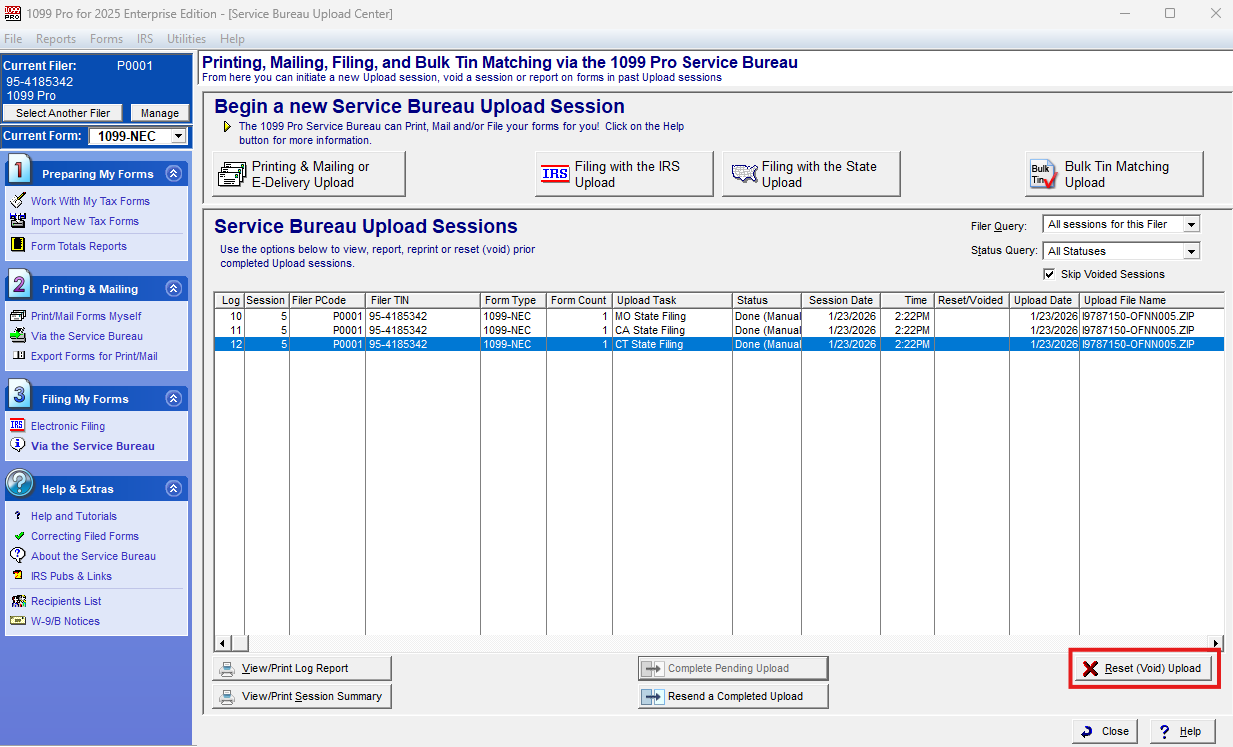
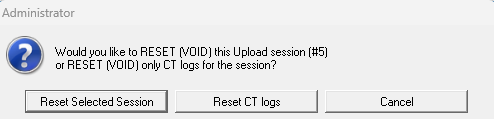
- If multiple states were filed under the same upload session you will be prompted to reset selected session or specific state log. Click on the specific state log and proceed with Reset/Void.
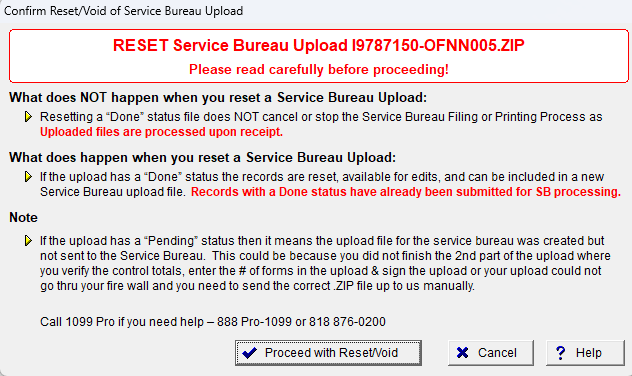
- Address any changes you need to fix regarding the rejection and create a new state upload.
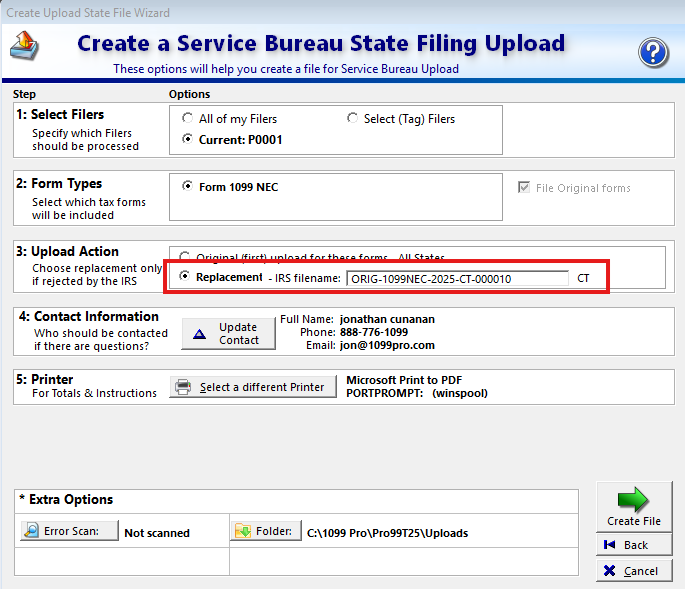
- Within the wizard screen select Replacement in step 3 and provide the filename (would be provided to in a Service Bureau email notification) and complete the pending upload.
Should you need further assitance. Please contact the service bureau at sb@1099pro.com.